Showing posts with label Canon. Show all posts

April 06, 2009

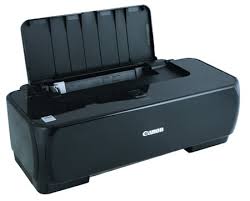
Canon IP1700 resetter


Free iP1700 - iP1300 Ink waste resetter below,

Canon iP1700 - iP1300 Service tools

Or use i iP tool. Download iP tool, Switch printer on "service mode", run the software, click Reset Main di Waste Ink Counter.

Service mode step;

  • Open the printer cover
  • Push and Hold Power button
  • Plug in Power cable
  • Close printer Cover
  • Release Power button
  • Push Power Button
Continue Reading...

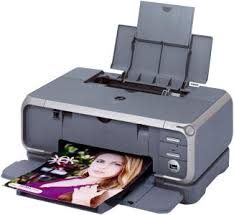
RESETER for CANON PIXMA iP3000, iP4000, iP5000


1. Switch printer.
2. Push and hold Resume/Cancel button, then push POWER button - Light indicator will be green.
3. Release Resume/Cancel button, still hold POWER button.
4. Push Resume/Cancel button twice, then release POWER button
5. Light indicator is green
6. Push Resume/Cancel button 4 times
7. Switch off printer through push POWER button.
8.Finally Switch on

Permanent Resetter in being developed , after reset don't unplug the Power cable,Switch off is Ok but don't unplag, it will be unplag again...

For more information visit here http://www.startcopy.ru/repair/files/files.htm

Continue Reading...

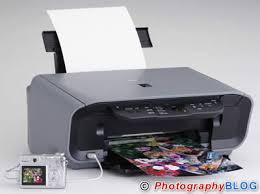
Canon MP160 Resetter


1. Download MP Tool

2. Press and HOLD your printer power button

3. Unplug your printer power cable

4. Plug your printer power cable and press the Printer Stop/Reset button, then release the printer power button

5. The Alarm light will be on and your computer will detect a new hardware

6. Run the MP Tool software and you can start to reset the waste tank
Continue Reading...

Canon Pixma iP 1880


Reset ip1880:

  1. Push Resume button and hold for 1 until 2 minutes
  2. Open the Cover
  3. Pull of catridges and then plug in again
  4. Close the cover
  5. Switch off printer
  6. Switch on

You can download iP tool here. Download iP tool. Switch printer on "service mode", run the software, click Reset Main di Waste Ink Counter.

Good luck, Happy try..!!!

Continue Reading...

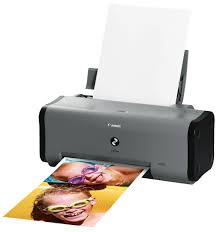
Canon Pixma IP1000 Waste Ink Full


My pixma IP1000 has messages "Waste Ink Full"

I try to reset with manual service mode :

- Turn off the printer, and disconnect the printer cable
- Press and hold the POWER button, turn on the printer
- The Indicator (LED) should be green
- Press and release the RESUME button, the Indicator (LED) should be orange
- Press and release the RESUME button again, the Indicator (LED) should be green
- Release both button

After I try, it work successfull. But, when I turn off the printer and I turn on again I has messages "Waste Ink Full"
Continue Reading...
 

  Printer Fixer Copyright © 2009 WoodMag is Designed by Ipietoon for Free Blogger Template